KiraKira3D
Mobile application combining 3D CAD Design and Social Platform
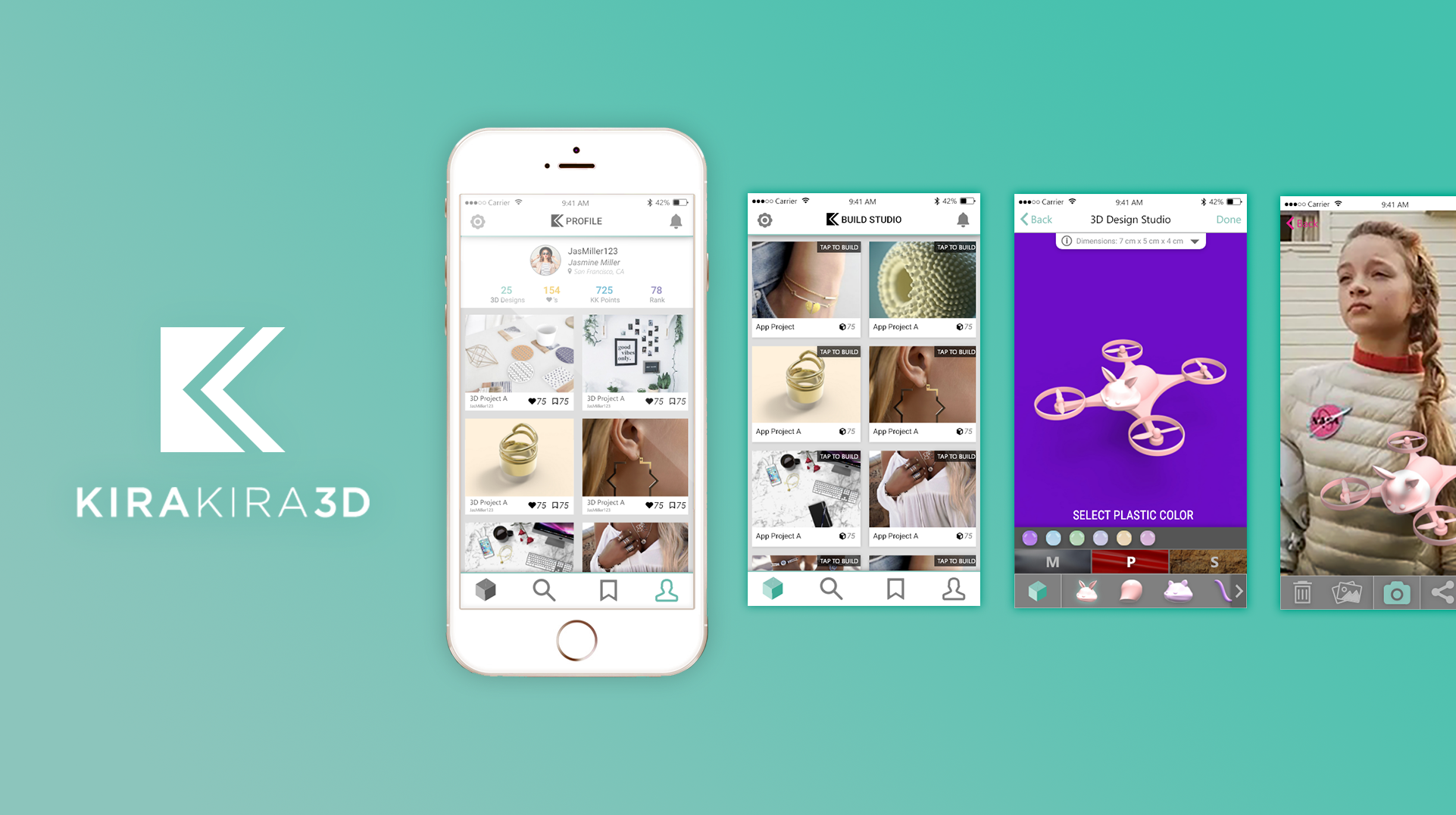
KiraKira3D focuses on utilizing CAD design to teach generation Z youth engineering and creative skills — especially girls. I redesigned the app and incorporated a social media platform, CAD design capabilities, and a creative marketplace. It would allow users to seamlessly customize templates or upload their own designs, explore the works of other users in the community, level up by making, and shop designs from other users. My design had increased the rate of downloads twofold, and was featured in Apple's show Planet of the Apps. Here it is on the App Store
Focus | UIUX, user testing, market research. Tools | Adobe Ps, Il, Xd, Framer
Process
Previous Version (V0)
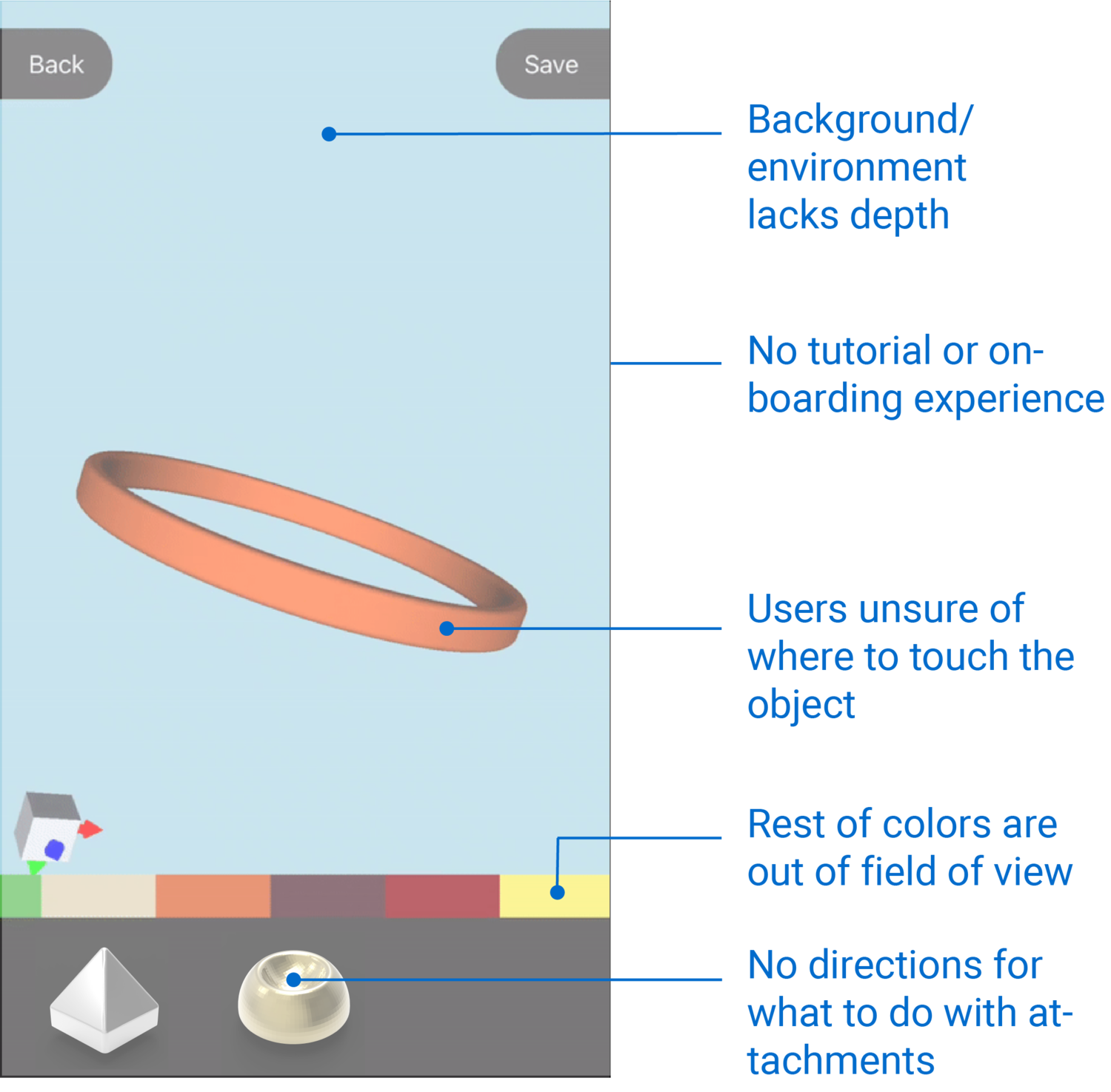
The old version (v0) of the app had many issues with the interface and experienc: there was no social experience or a creative marketplace, and the CAD program was hard to use.
How can we engage gen-Z users and also allow them to utilize their creativity in 3D CAD as a social interaction?
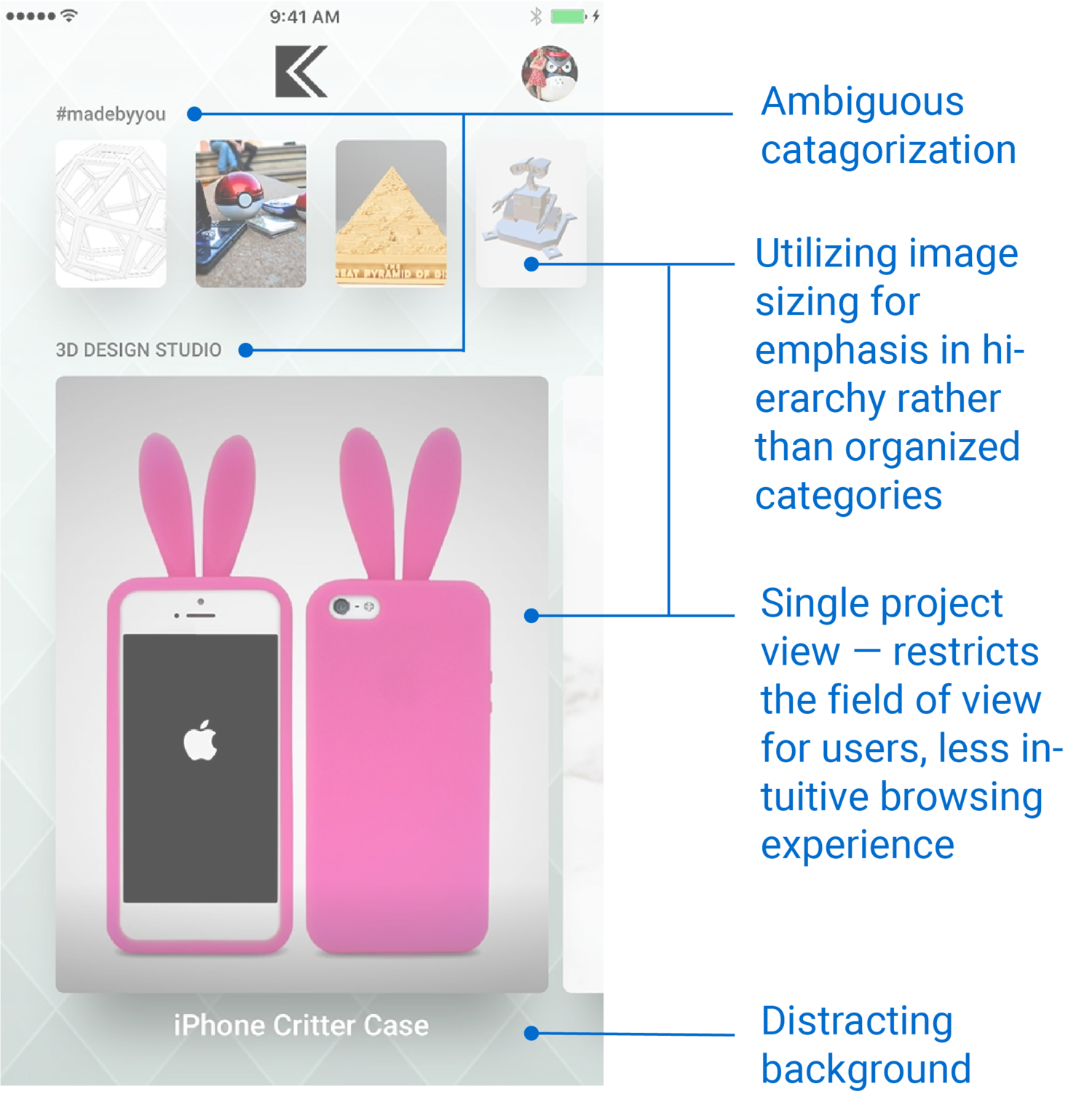
Categories did not communicate what they represent or distinguish the types of projects included. To specify:
#madebyyou includes works of users in the community.
3D Design Studio includes customizable designs.
The most interactive part of the app also lacked instruction. There was no on-boarding tutorial, users are unable to efficiently begin their design process.
User Testing
KiraKira3D's office is a maker studio, which allowed me to test the app and content on the middle-school girls that were attending summer camp
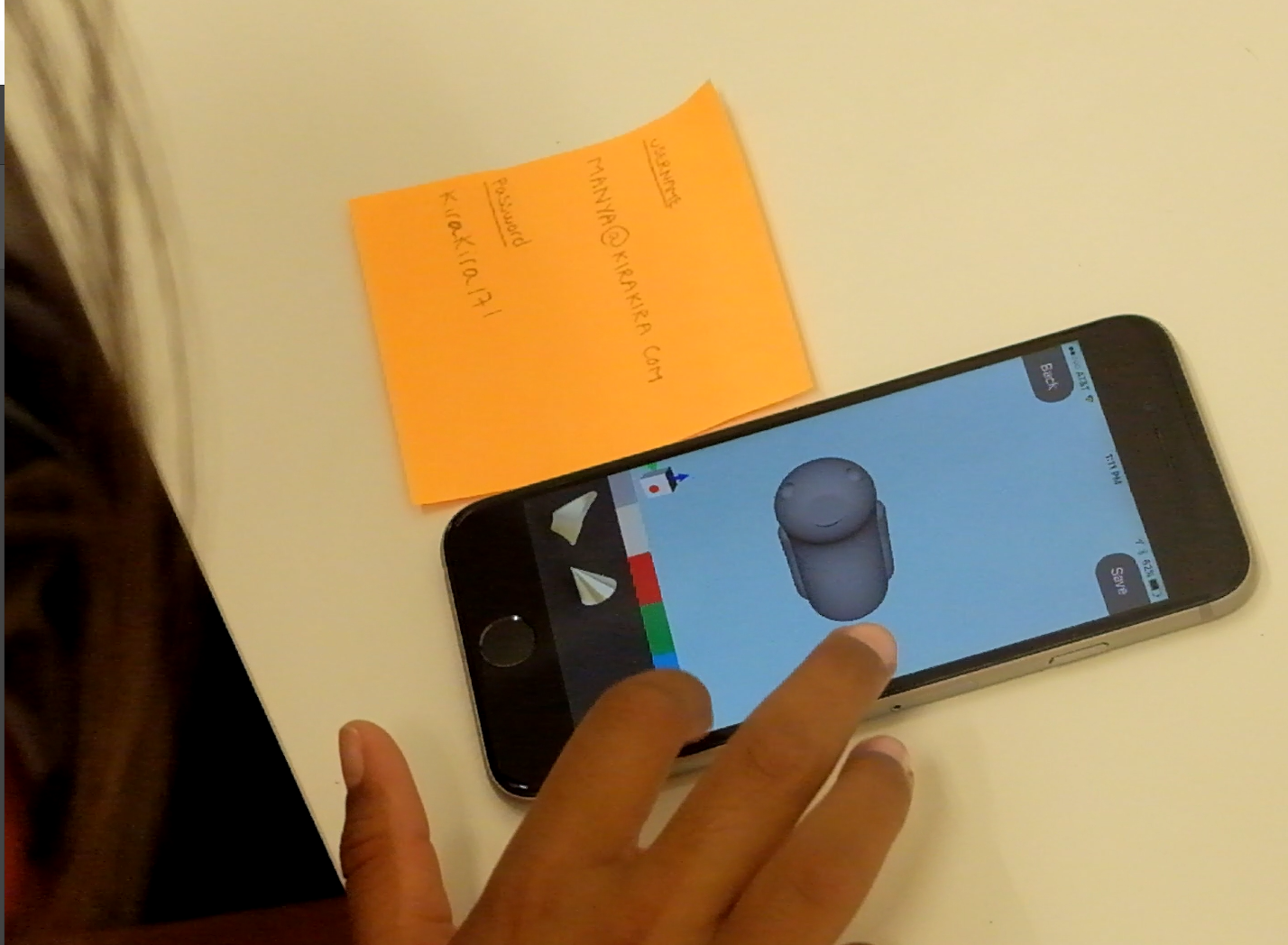
Confused about adding attachments - no cue that user should drag them onto the screen.
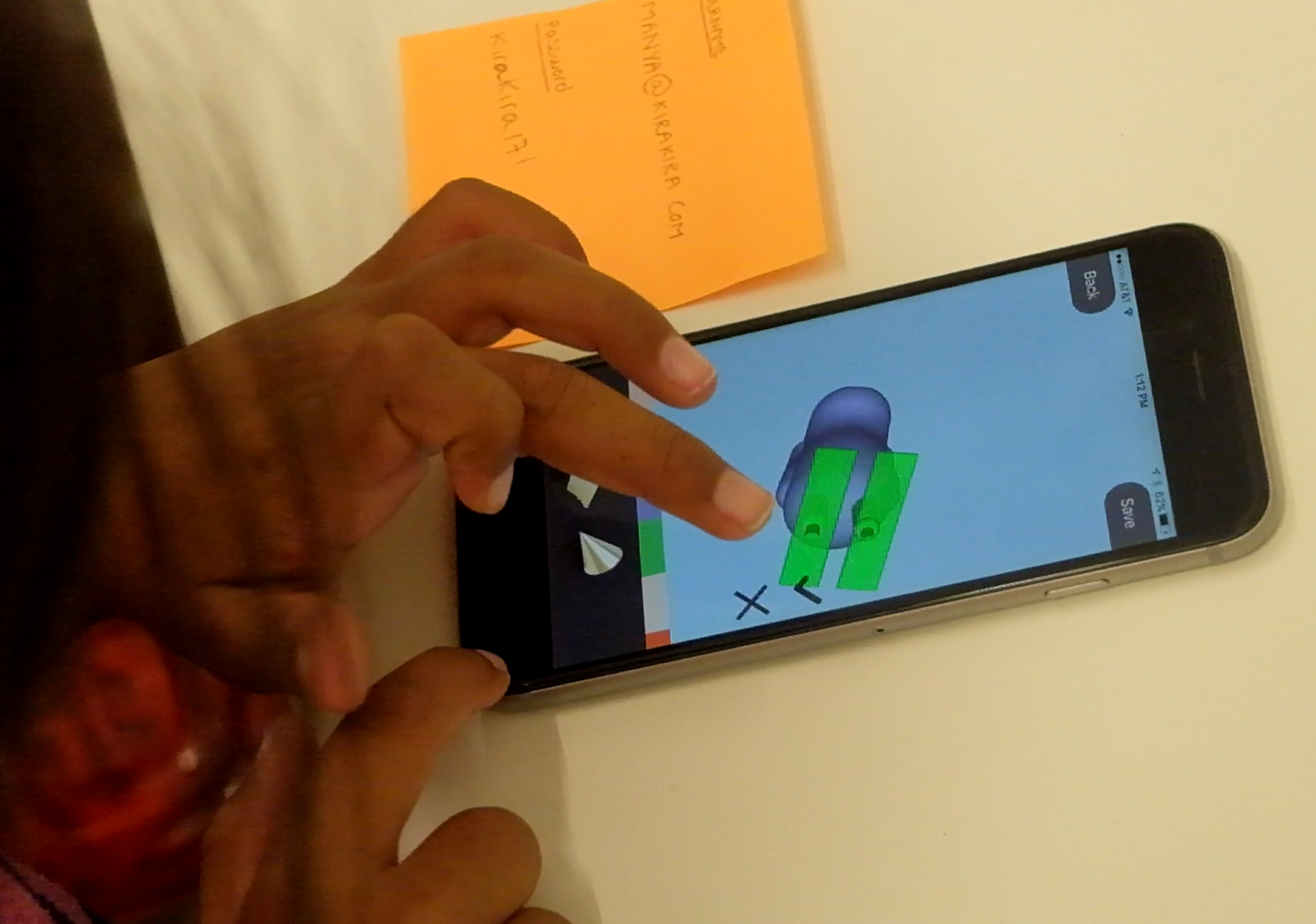
Realized she could use the mini perspective square on the bottom left to change views.
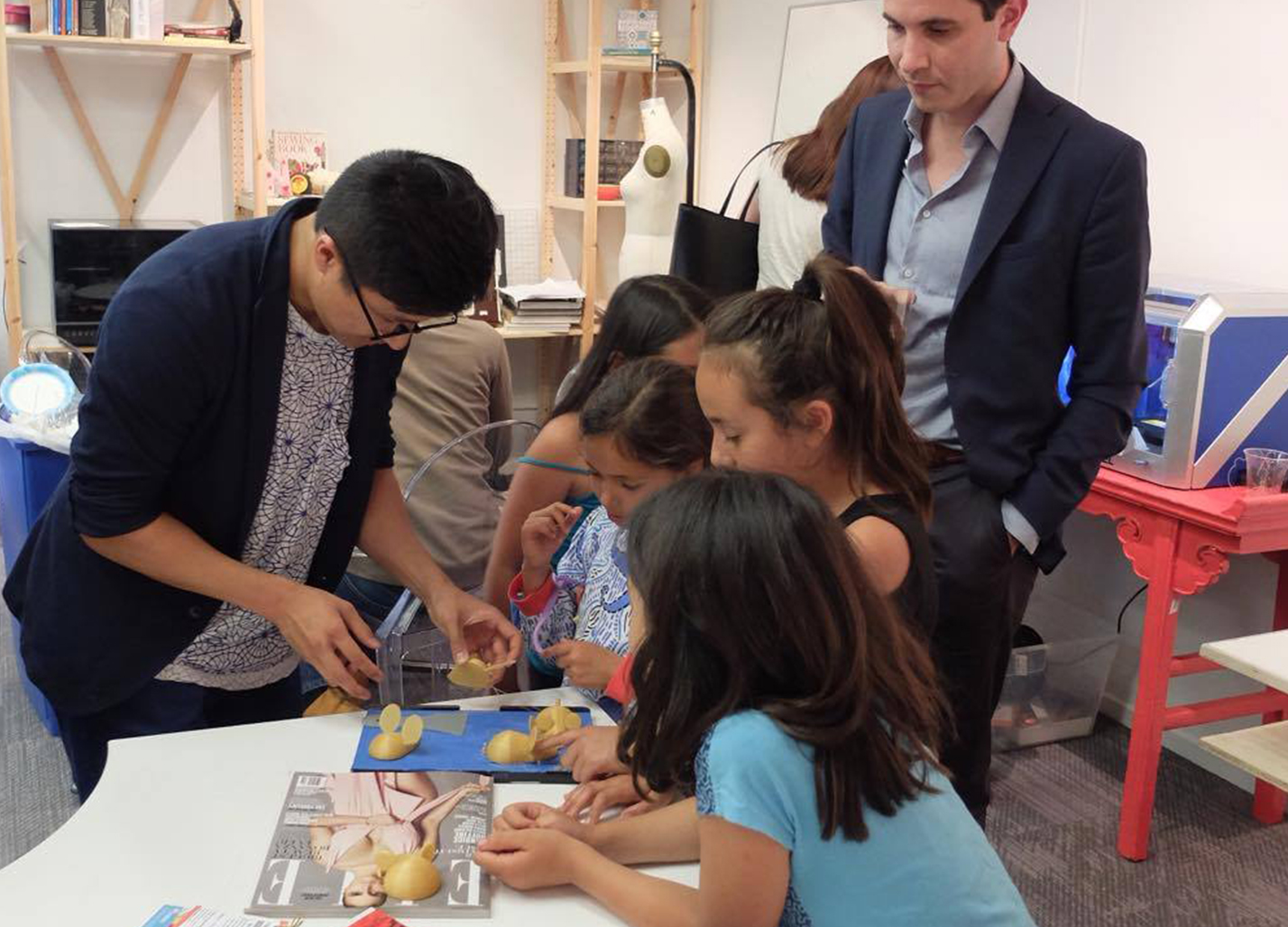
I am helping the girls retrieve their 3D prints designed in the app. In the back is a Dremel 3D40
The User: Gen-Z
After testing the app and getting to know the kids, I noted key interests and expectations they have towards KiraKira3D. (Due to privacy, I do not have permission to share their full identities or photos).

• Follows many illustrators and
cartoonists on Instagram
• Posts about her artwork, including
ones made with a 3D-printing pen
• Enjoys using her own creations

• Plays Pokemon Go a lot
• Loves to turn on the AR
camera when catching Pokemon
• Likes rapid prototyping Pokemon
chess pieces

• Likes fashion design
• Loves organic 3D forms like clay
and 3D patterns
• Extrudes organic shapes and 3D
• prints them to decorate clothes
Market & Competitor Research
I analyzed competitor apps, and after tinkering with each app, I was able to map out where KiraKira3D should be directed to allow a user's design experience to be smooth and intuitive.
Ideation

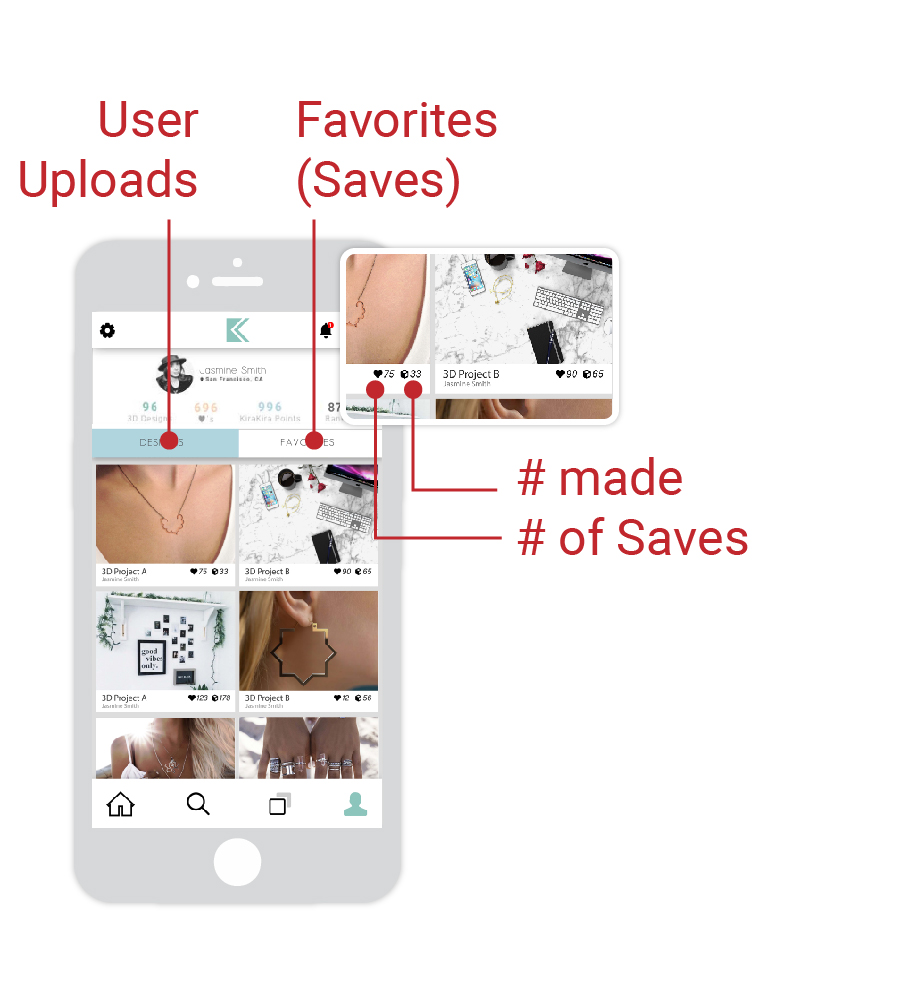
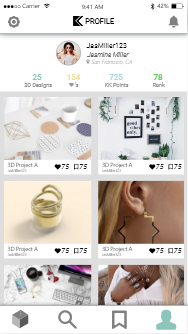
Profile
See uploaded projects, social influence, and points.
Saves
Save projects for inspiration or purchases
Community
Discover projects and designers.

Shop
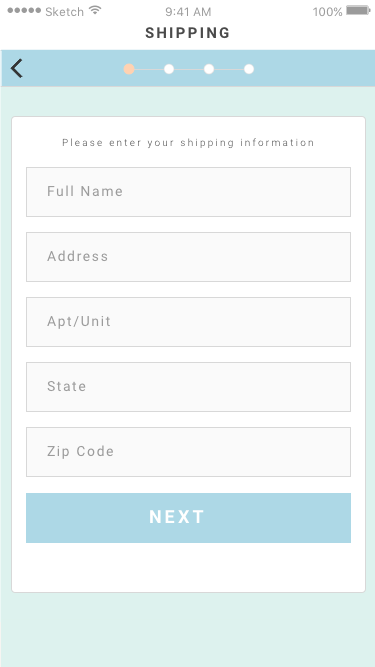
Quick checkout experience that entices users to buy.
Key Functions

AR
Interact with a project in an augmented reality space.

Draw
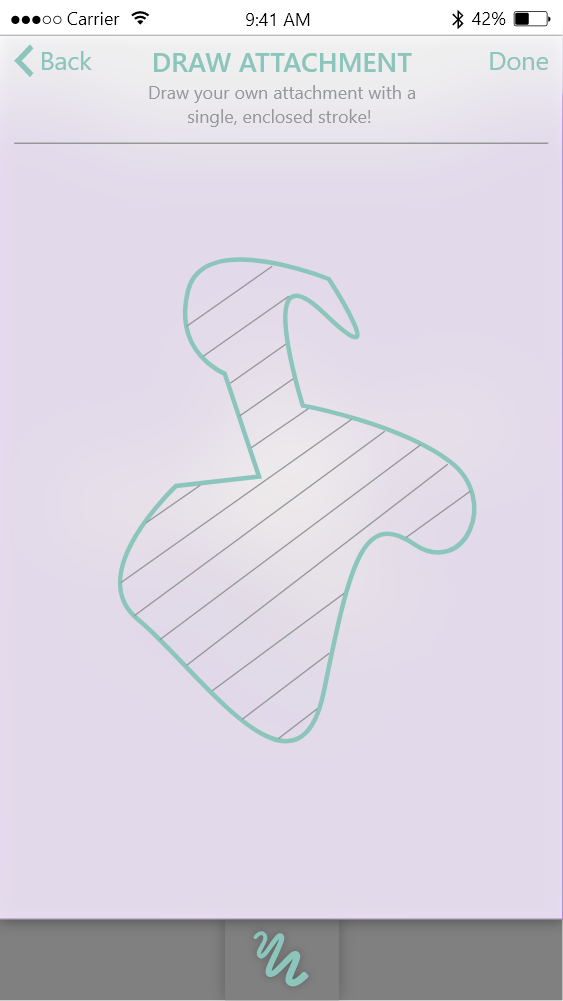
Draw a custom attachment (extrudes at a fixed width).

Edit
Orient attachments more specifically.

Text
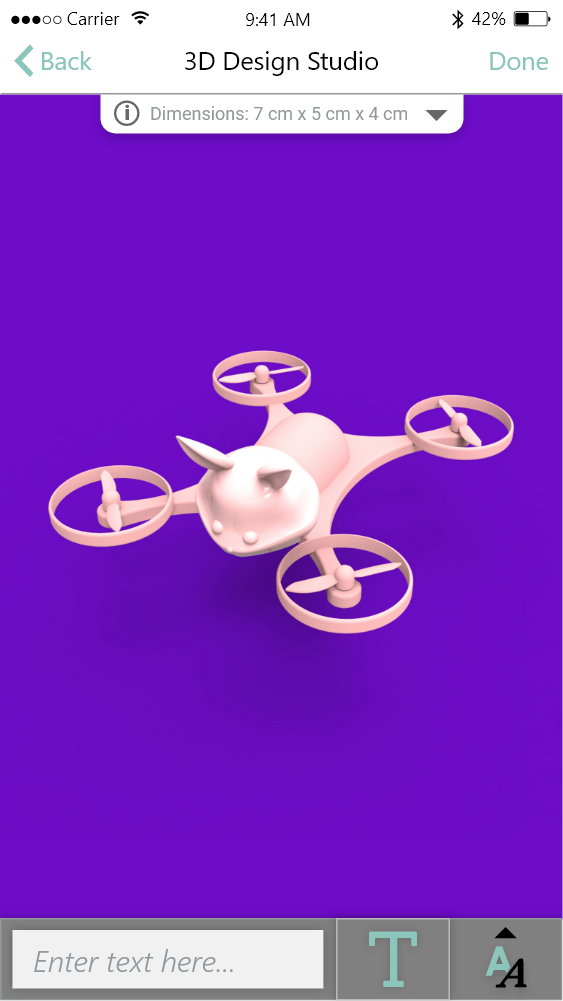
Text as an attachment (extrudes at a fixed width).
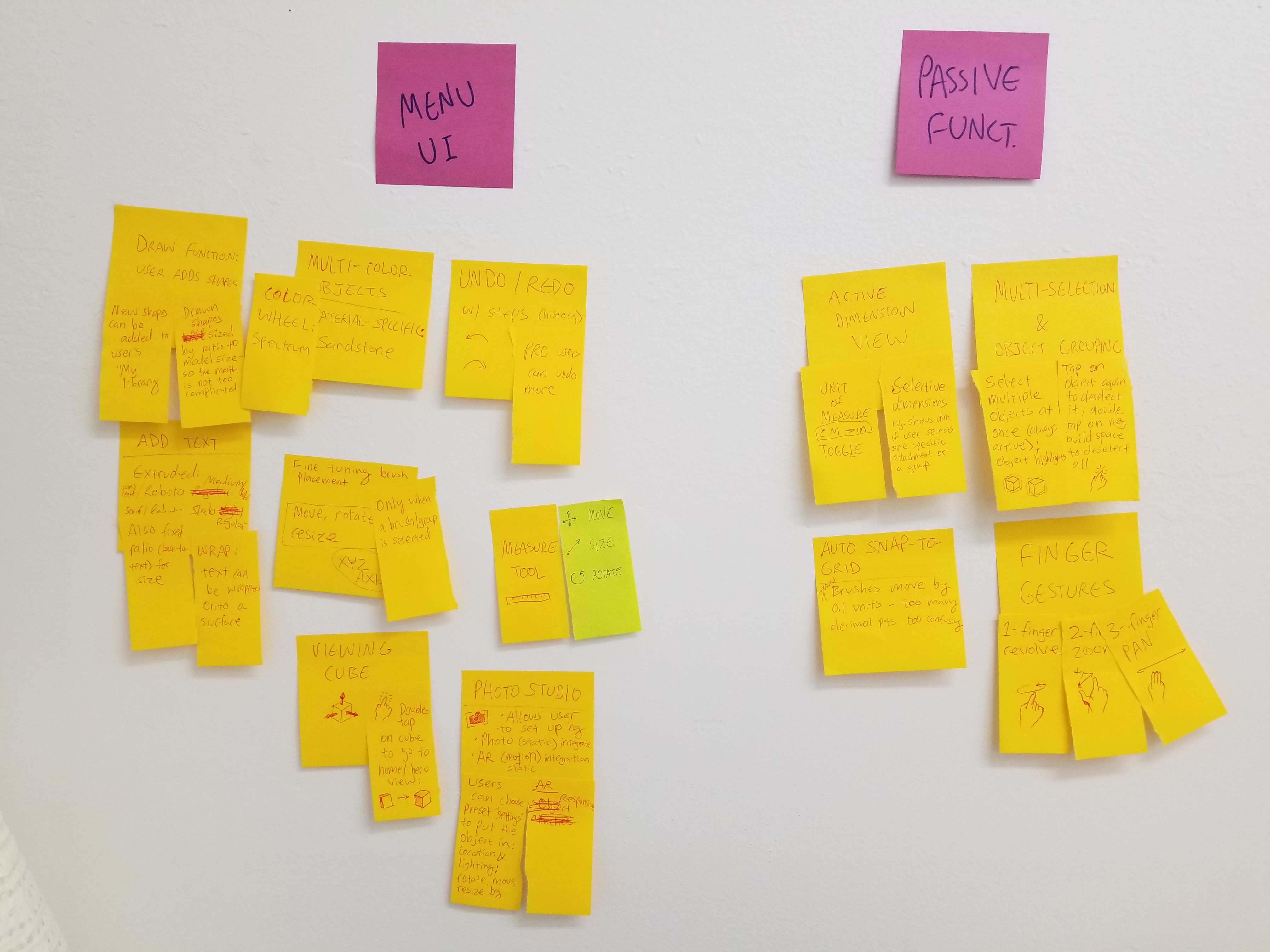
Mind Map
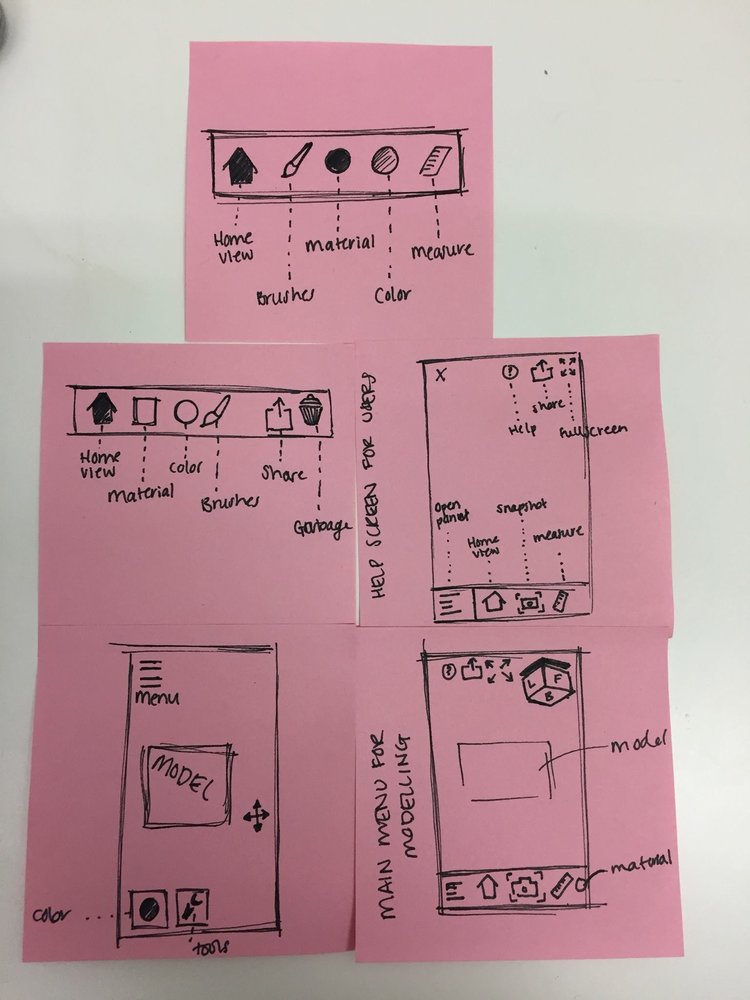
Iterations
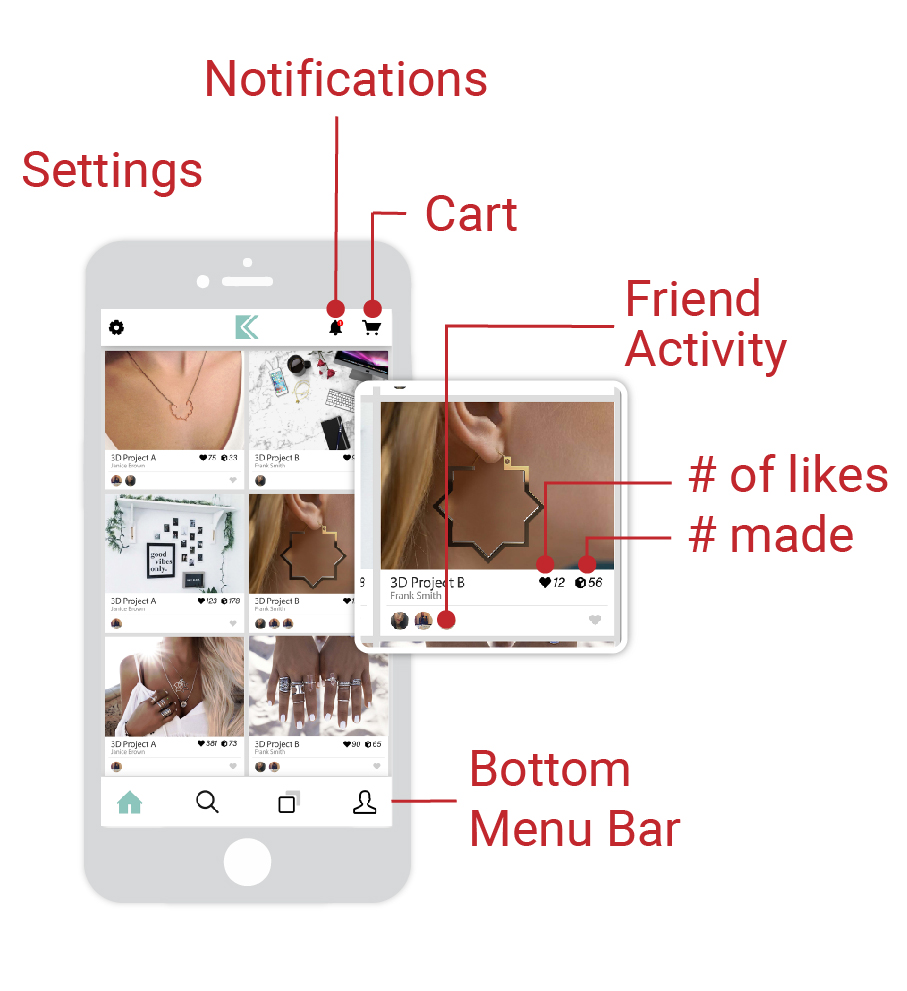
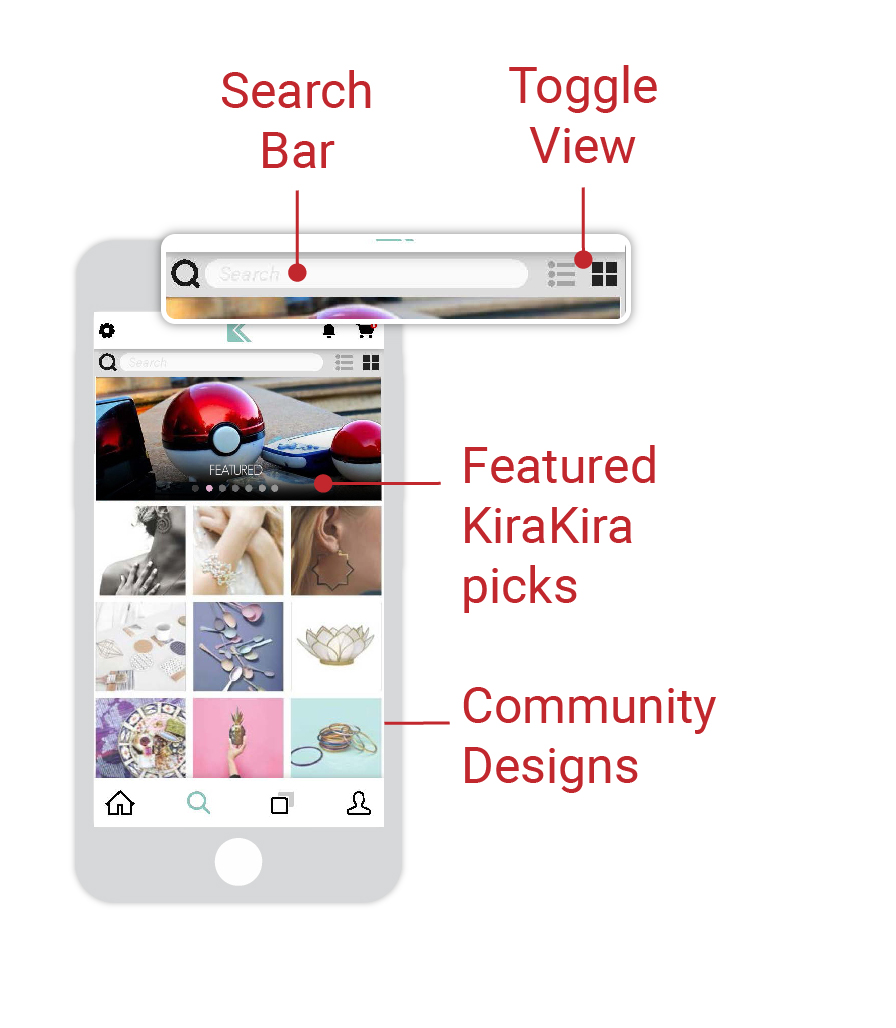
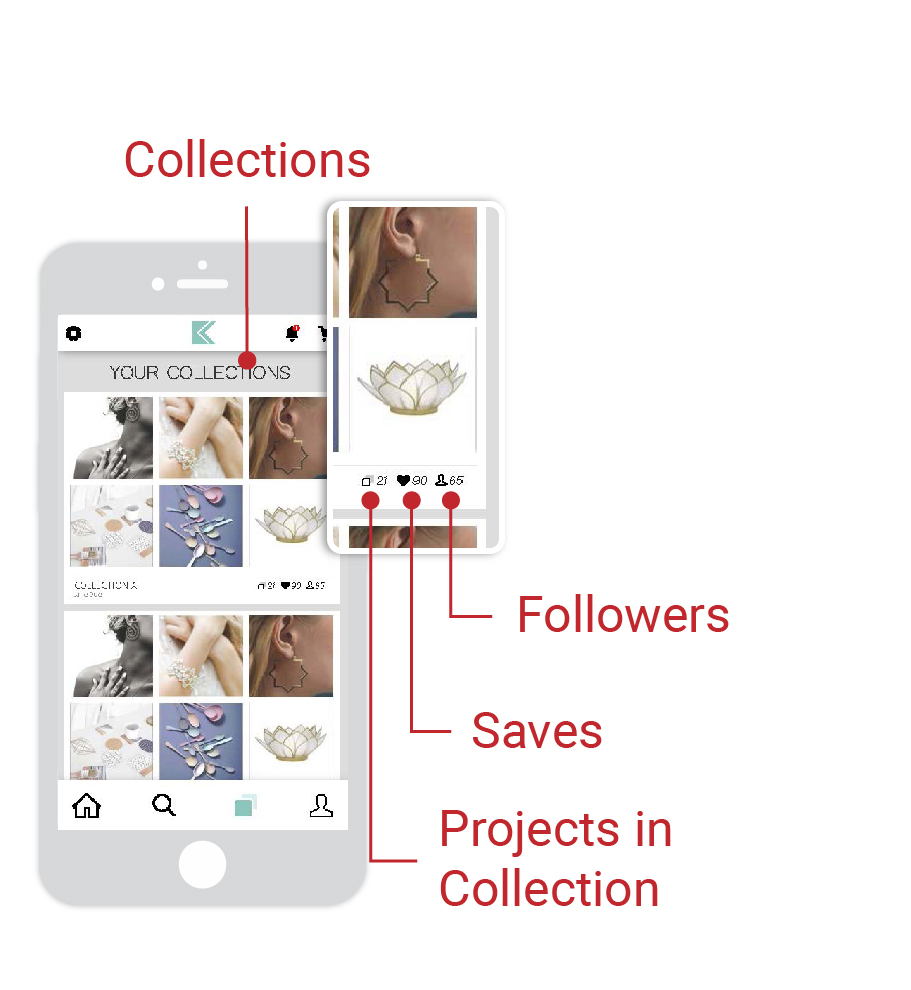
Final Design
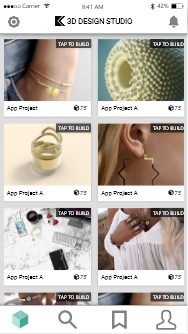
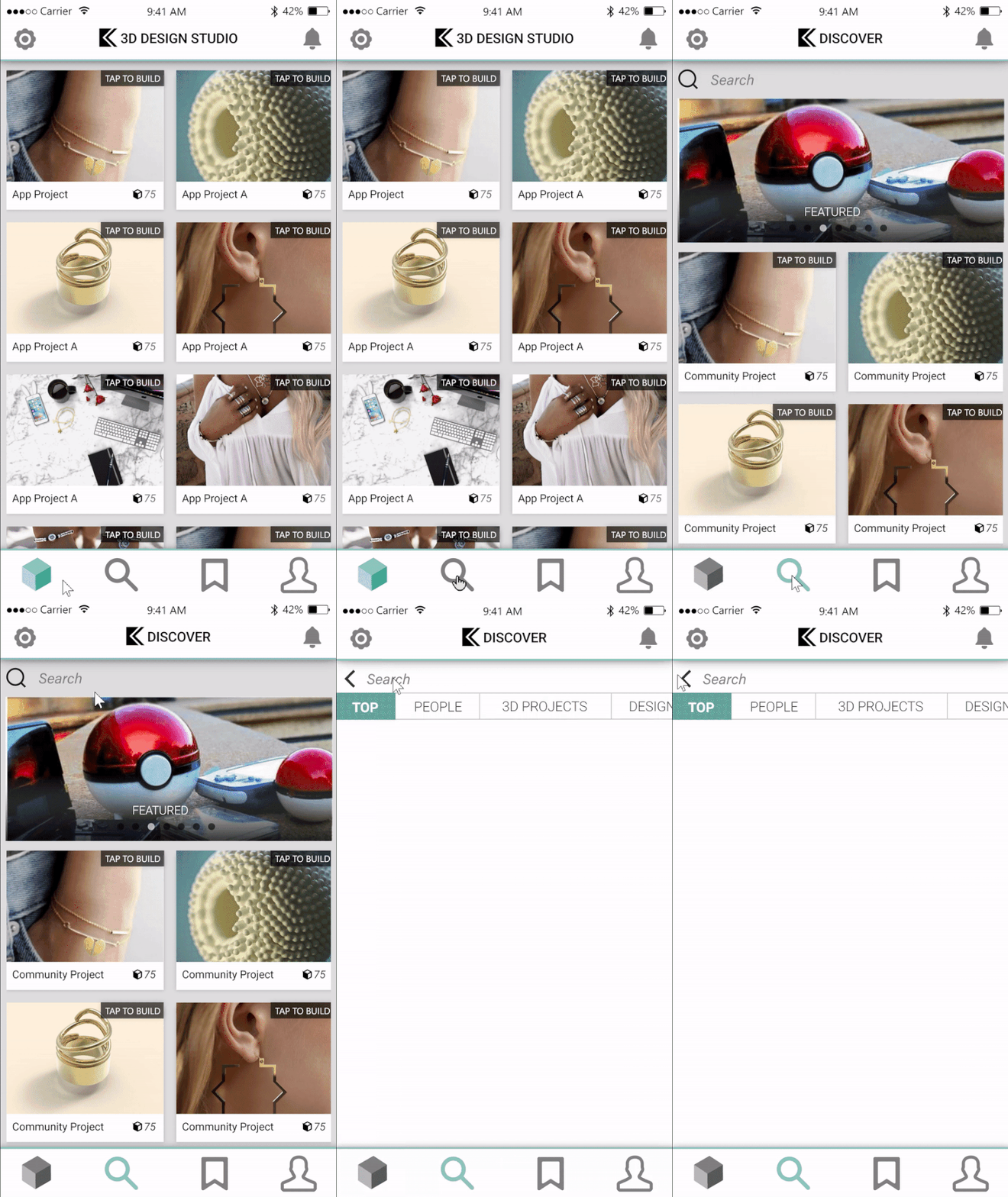
Main Navigation
The Social Platform of the app, in which you are able to view customizable projects,
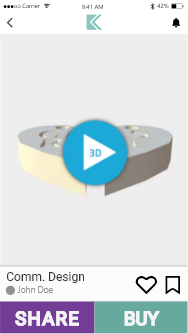
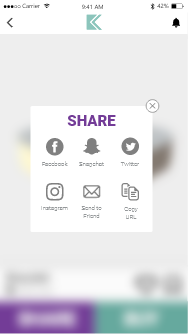
Social Functions
Tap on a project to view it in 3D, and users can share or purchase a project.
Users receive notifications from social activity.
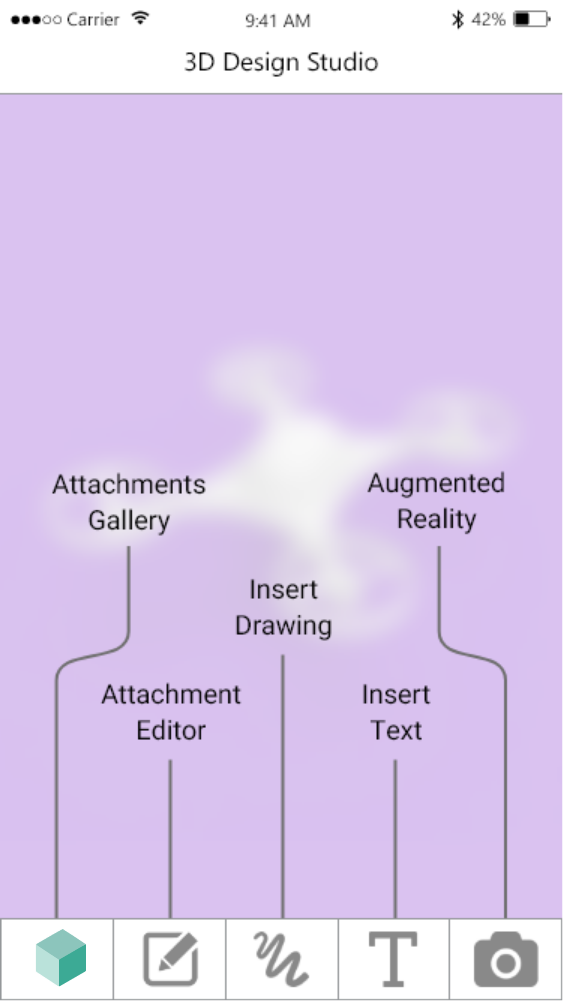
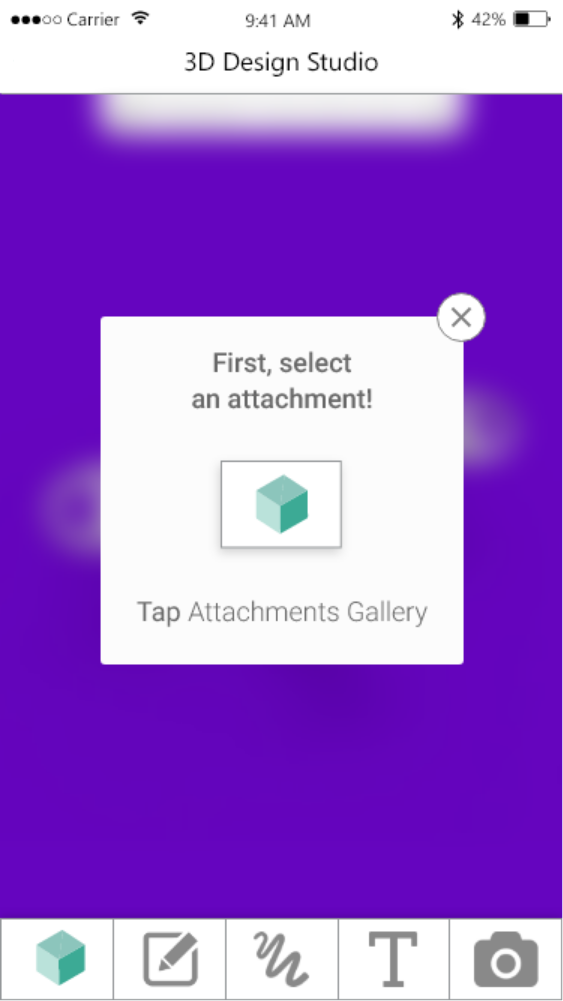
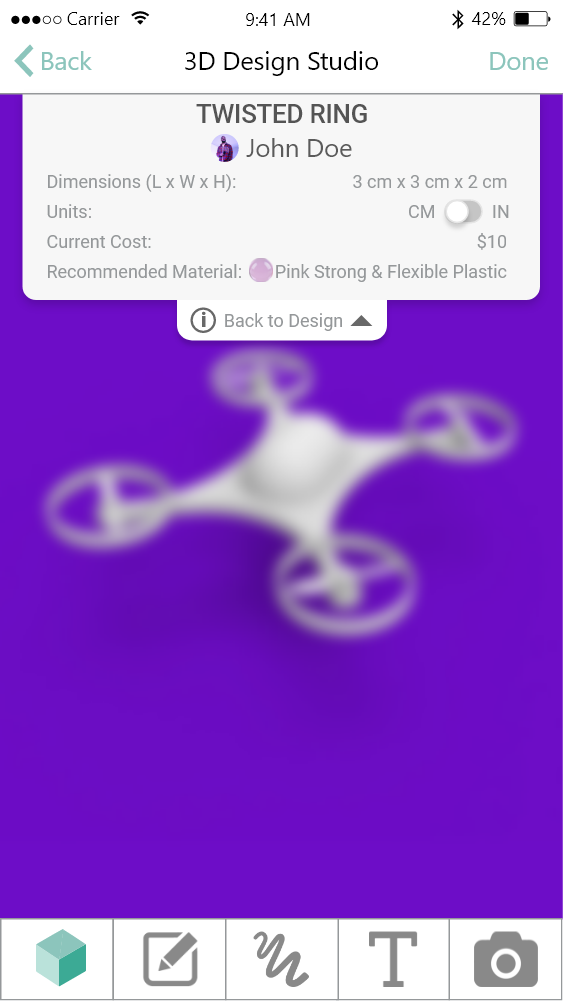
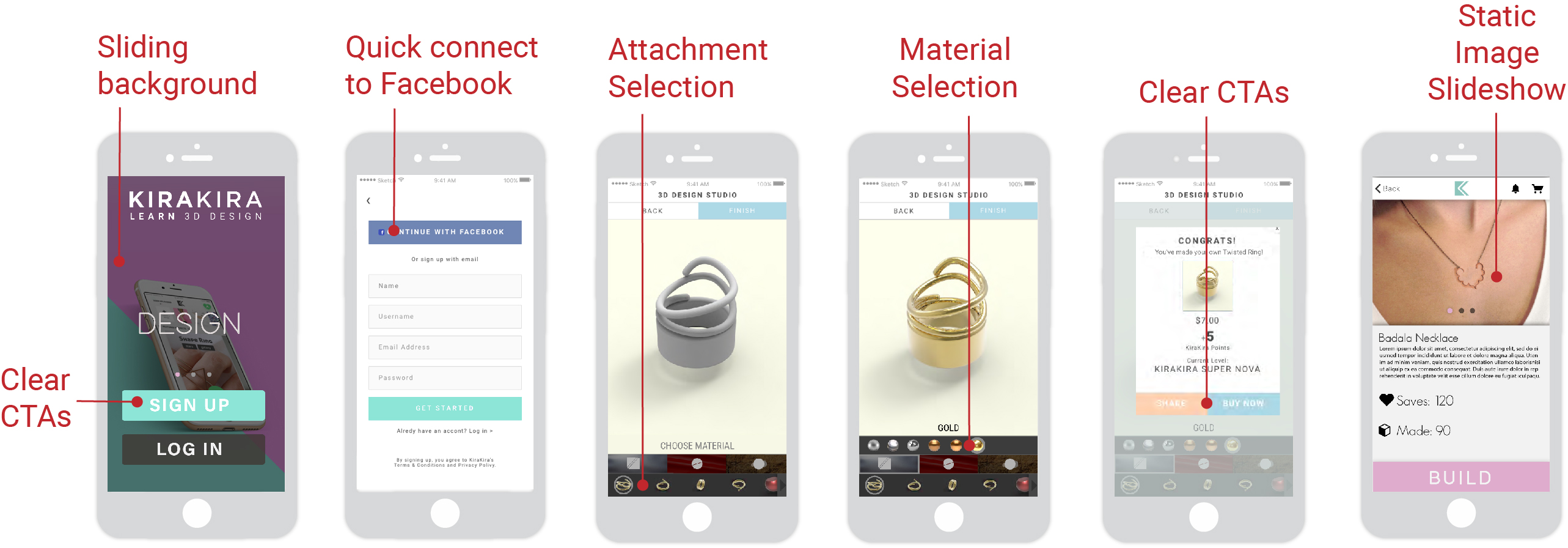
CAD Onboard
When users first open the app, they will be shown how to use the CAD section.
A drop-down menu allows users to see information about the project they are currently working on.

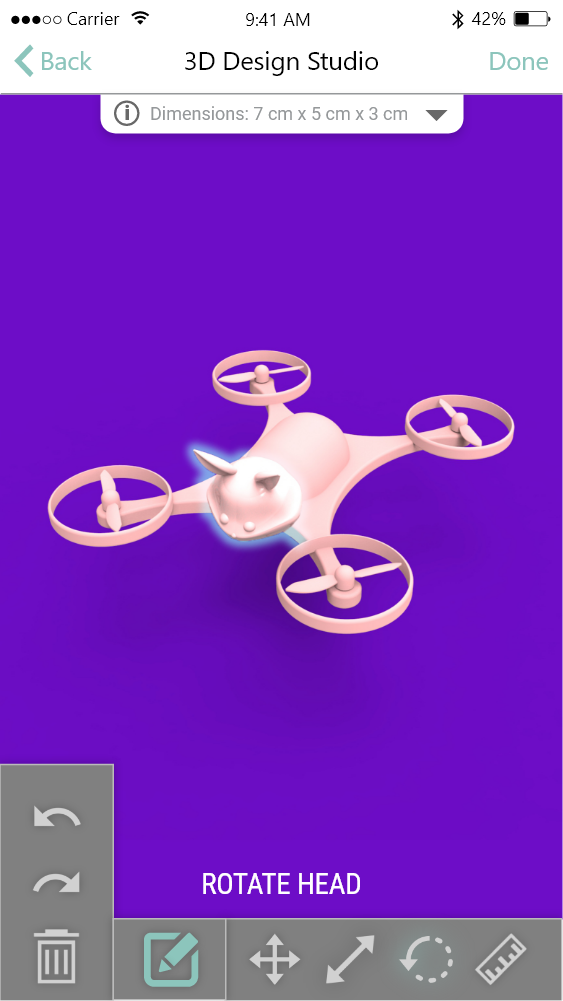
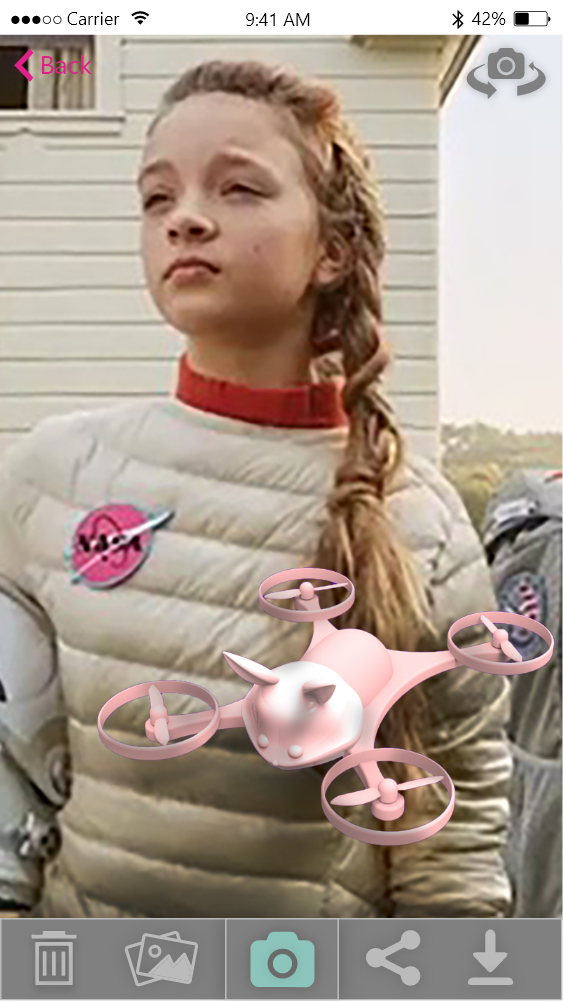
Core CAD functions
Users can
1. Build their models using drag-and-drop attachments and choose material styling
2. Edit the attachments
3. See their design in AR
4. Add text to the design
5. Draw their own attachment
6. Purchase the design